Search a Patient Record
Vision Anywhere has the facility to search the patient's record, to quickly return specific information.
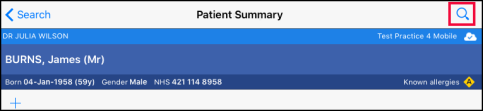
- From the Patient Summary or New Encounter screen select the magnifying glass to activate the search box.
- Enter the term you want to find in the Search Bar.
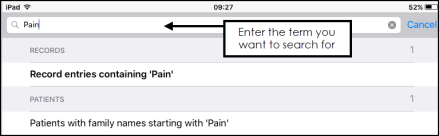 Note - You can search on drug names, free text and clinical terms.
 - The results display.
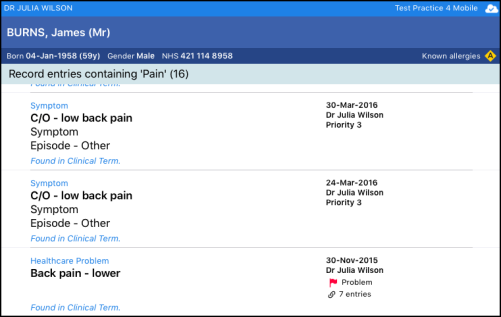
The results also include free text results if applicable.
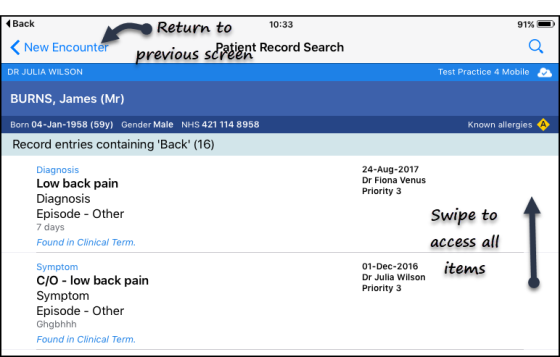
- To return to the previous screen select the back arrow at the top left of the screen,
See - Patient Summary Screen.

